Every Category of Item You Can Trade
The R6 Marketplace handles cosmetics exclusively, but that word covers considerably more than weapon skins. Below is each official category, how it behaves, and what the differences mean for your next purchase or sale.
//- 01 - THE MAIN CATEGORIES
FIVE CATEGORIES CARRY THE MARKET
No listed item changes gameplay. Eight category types exist in total: five core ones where almost all the volume sits, plus three smaller account-level types covered in section 02. The core five:
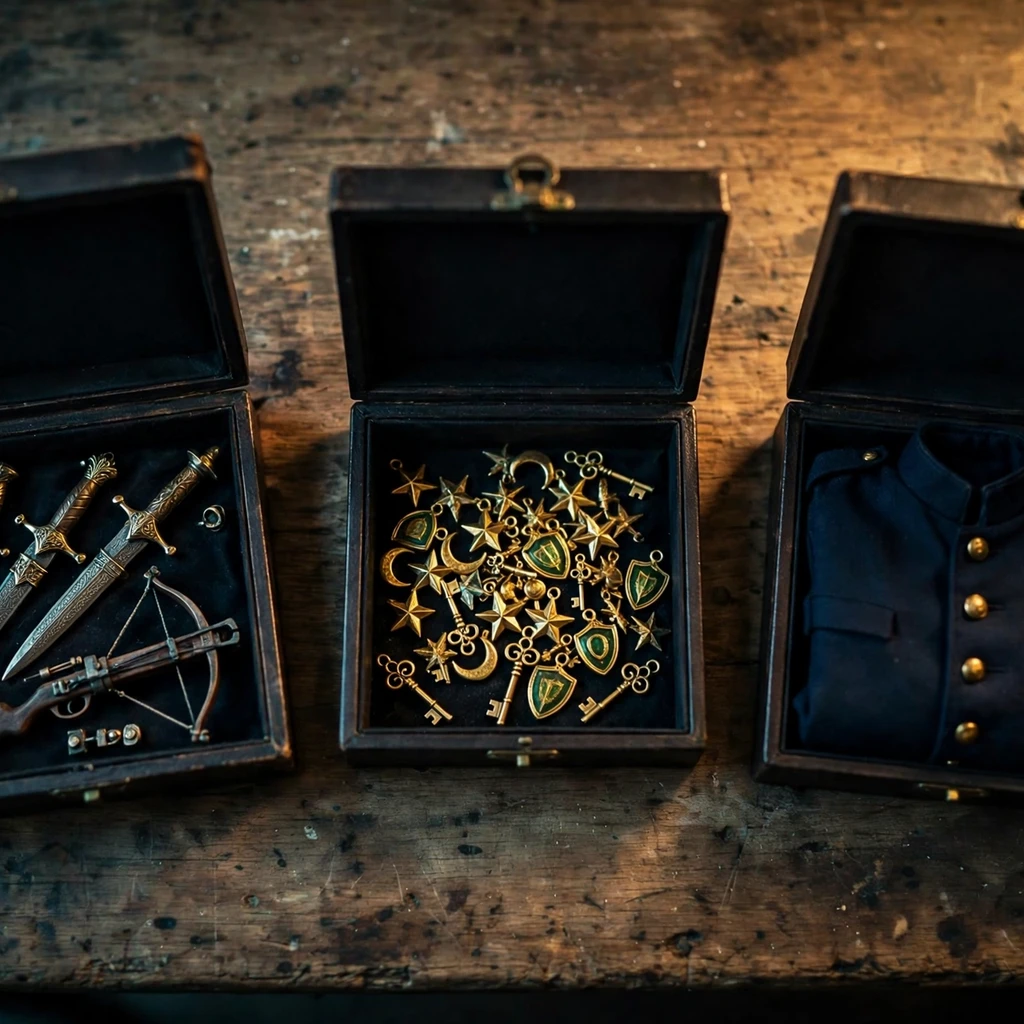
- Weapon skins — a finish for one named weapon. This group carries the deepest books and dominates most conversations about skins.
- Attachment skins — finishes for sights, grips and other attachments, picked separately from the weapon’s main skin.
- Headgear — operator-specific head pieces, from a simple cap up to a full helmet or mask.
- Uniforms — operator-specific outfits that pair with headgear visually, yet sell as their own items.
- Charms — little trinkets clipped to a weapon; cheap to collect, numerous, and a collector favourite.

//- 02 - THE ACCOUNT-LEVEL COSMETICS
PORTRAITS, BACKGROUNDS AND DRONES
The other three types on Ubisoft’s official list sit at account level: operator portraits, card backgrounds and drone skins. They change how your profile and menus look, not how your operator looks in a round. Demand is smaller, so volume trails weapon skins and uniforms. The trading mechanics are identical, however: same order book, same 10% seller fee, same 15-day hold after purchase. For a collector closing out a set, a missing portrait hurts as much as a missing rifle skin.
//- 03 - HOW THE CATEGORIES BEHAVE DIFFERENTLY
WHICH PLAYERS EACH CATEGORY SERVES
Category determines the size of an item’s potential audience, and audience determines the market. A weapon skin only interests players who use that weapon. Headgear and uniforms only interest players who select that one operator; if you never play Thermite, a rare Thermite uniform is worth nothing to you. Charms clip onto almost anything, so almost every player is a potential buyer, and their books tend to remain active. Attachment skins sit in the middle because they match an attachment type, not one gun. So before interpreting any price, identify the category and estimate how many players could realistically use the item. A thin book and a slow fill are expected for a narrow-fit item. They are not, on their own, a red flag.

//- 04 - CATEGORY IS NOT ELIGIBILITY
A TRADABLE CATEGORY IS NOT A TRADABLE ITEM
An item can belong to a category that trades and still be locked itself. Ubisoft decides on each item individually. If the card says non-tradable, that settles it. Every current-season item stays locked for all players until the next season begins. As a rough guideline, items from randomised or seasonal distribution are the ones that tend to trade, and items tied to purchases, achievements or promotions tend not to. Treat “tend to” as a genuine caveat, not a guarantee. The in-game item card is the only check that counts, not the category filter in the catalogue. Purchases also carry a 15-day hold before resale.

//- 05 - HOW CATEGORY SHAPES PRICE AND PATIENCE
CATEGORY CONTROLS SPEED AND SPREADS
Category determines the pace of a trade more than most players anticipate. Popular-weapon skins enjoy deep books with many asks, many bids, narrow spreads and quick fills. Headgear and uniforms split their buyers per operator, which thins the books and makes prices swing more; the same rarity can be steady on one operator and erratic on the next. Attachment skins land between the two: anyone using that attachment type is a buyer, so books are calmer than operator items but quieter than the top weapon skins. Charms fit nearly every loadout, draw the widest crowd, and usually trade more than their small size suggests. Portraits, card backgrounds and drone skins are the slowest category: few hunters, lengthy waits, wide spreads. Treat the gap between bid and ask as a rough measure of how long you may wait. None of that makes one category better. It means waiting time is part of what an item costs you, and if you judge a slow category by a fast one’s pace, you will misprice it every time.

//- 06 - IF YOU'RE NEW: WHAT TO TRADE FIRST
A STARTING ORDER FOR NEW TRADERS
Start with weapon skins, where order books are deepest. Pick a tradable skin for a gun you use. It demonstrates the complete cycle, from reading bids and asks to pricing around the 10% seller fee and waiting for a fill, with minimal risk of getting stranded. Example: to receive 900 Credits after the fee, you would need to list at 1,000. Progress to operator items once you can evaluate demand: how many people main this operator, and how many of them want this piece? Reserve charms and account-level items for later, when thin books no longer confuse you, because those prices are the easiest to misjudge. In every category, consult the card first; the category only indicates an item could trade.
//- 07 - FREQUENTLY ASKED QUESTIONS
Straight answers
THE CATEGORY LIST
Which categories carry most of the volume on the R6 Marketplace?
The core five: weapon skins, attachment skins, uniforms, headgear and charms. All purely visual, with zero effect on matches.
What are the three account-level item types?
Operator portraits, card backgrounds and drone skins. They change your profile and menus rather than your operator in a round. Volume is lower than for weapon skins and uniforms, but they use the same order book, fee and hold as everything else.
Does one weapon skin cover every gun I own?
No. A standard weapon skin is designed for one weapon and only applies there. Siege also has universal skins that span several weapons, which is a separate concept, so inspect the category line on the item before you place a bid.
What changes with an attachment skin?
It restyles a weapon’s sights, grips and other attachments, separately from the main weapon skin. Since it matches an attachment type instead of a single gun, every player who uses that attachment type is a potential buyer for it.
Which category has the widest pool of buyers?
Charms. They clip onto almost any weapon, so nearly every player could use one, and that usually keeps their books more active than you would expect.
CATEGORY AND THE TRADE
Can gadgets, boosters or other gameplay items be traded?
No. The Marketplace lists cosmetics exclusively. Weapons, gadgets, boosts or anything that changes a match cannot be listed or bought there. Any offer involving gameplay items is happening outside Ubisoft’s trading site, so treat it with suspicion.
How do I confirm that my exact item can be sold?
Open the item card in game. Eligibility is printed there, and the card outranks any wiki, video or fan site, this one included. Two items that look almost identical can follow different rules, because eligibility depends on how each one was originally released.
If the category trades, does my item trade too?
No. Category never grants eligibility by itself. Ubisoft decides on each item: a non-tradable mark on the card is final, and every current-season item stays locked for all players until the following season starts.
What makes some categories fill more slowly?
Audience size. Items bound to one operator, such as headgear and uniforms, and the account-level trio of portraits, card backgrounds and drone skins have fewer possible buyers, so books are thinner and fills slower. That is the normal state for those categories. The waiting time is simply part of the price.
I am new to trading. Which category should come first?
Weapon skins, because their books run deepest. A tradable skin for a gun you already use demonstrates the full routine of reading bids and asks, pricing around the 10% seller fee and waiting for a fill, with a low chance of getting stranded. Read the item card first, and remember the 15-day hold on purchases before resale. Move on to operator-bound items only once you can estimate how many players want them.
//- 08 - RELATED TOOLS
RELATED TOOLS
- Universal Skins — skins that cover more than one weapon
- Rarity Tiers — how the five rarity bands apply across every category
- Can I Sell This? — check a single item before you plan a sale around it