Creating your R6 Marketplace first listing feels like a big step, but it is really a simple process once you know what to expect. This guide walks you through every step in plain language.
What a First Listing Actually Is
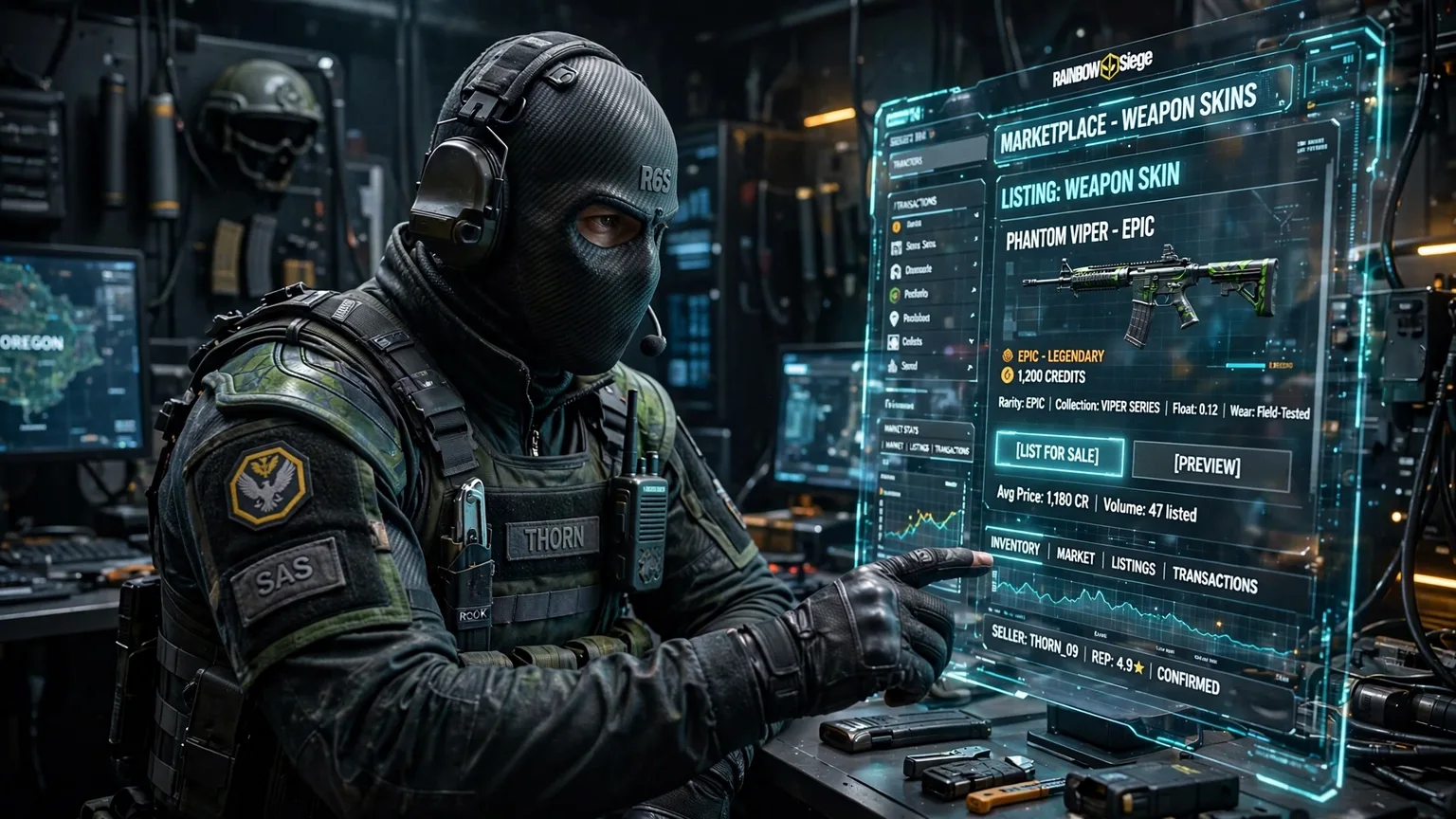
A listing is simply an offer to sell one of your items to another player through the official R6 Marketplace. You choose an item from your inventory, set a price in R6 Credits, and publish the offer. Other players can then see it and buy it. When someone buys it, the item leaves your inventory and the credits arrive in your account after the marketplace fee is taken out.
Why your first listing matters
Your first listing is important because it teaches you how the whole system works. You learn how pricing works, how the order book matches buyers and sellers, and how long a sale can take. Many new sellers feel nervous before their first listing, and that is completely normal. The good news is that nothing about the process is permanent. If you set the price too high, you can usually cancel the listing and try again with a better price.
Why the official marketplace is safer
The marketplace exists so players can trade cosmetic items safely without using risky third party websites. Every trade happens inside Ubisoft's own system, which means your account stays protected as long as you follow the official rules. That safety is the biggest reason to use the marketplace instead of informal trades arranged in chats or forums, where scams are common and there is no protection at all.
Prices move with supply and demand
Before you create your first listing, it helps to understand that the marketplace is a real market. Prices move up and down based on supply and demand. A skin that is popular today might be cheaper next month, and a rare item might become more valuable over time. Your first listing does not need to be perfect. It needs to be sensible, fairly priced, and created with a clear understanding of the fee and the rules.
Before You List Your First Item
Turn on two factor authentication
There are a few requirements you must meet before the marketplace lets you list anything. Your Ubisoft account must be in good standing, and you need to have two factor authentication turned on. This is a security step that protects your account from being stolen, and the marketplace will not let you trade without it. If you have not set it up yet, do that first through your Ubisoft account settings. It only takes a few minutes.
Meet the minimum account requirements
You also need to meet the minimum account requirements, which include owning Rainbow Six Siege and having played enough to unlock marketplace access. The exact requirements can change, so always check the current rules on the official Ubisoft website before you start. If you are unsure whether you qualify, our guide on R6 Marketplace Requirements explains the rules in detail.
Check your item is tradable
Your item must also be eligible for trading. Not every cosmetic in the game can be sold. Some items are bound to your account forever, and some are only available through special promotions that do not allow resale. You can check whether an item is tradable by opening your inventory in the game and looking for the marketplace option on the item itself. If the option is not there, that item cannot be listed. Our guide on What Can You Sell on R6 Marketplace covers this in more depth.
Know the 10 percent fee
Finally, make sure you know how the marketplace fee works. The marketplace takes a 10 percent fee from every sale. This means if you sell an item for 100 R6 Credits, you receive 90 credits. Many first time sellers forget this and feel surprised when the payout is smaller than the listing price. Read our full explanation in R6 Marketplace 10% Fee Explained before you set your price, so there are no surprises later.
Choosing Which Item to Sell First
Start with an item you do not mind selling
The best item for your first listing is one you do not mind parting with. Many players start with a duplicate skin they received from a pack, or a skin for a weapon they rarely use. This takes the pressure off. If the sale goes well, you gain confidence. If it takes a while to sell, you have lost nothing important.
Do not list your favourite skin first
Avoid listing your favourite skin first. Emotional attachment makes pricing harder, because you will be tempted to set the price too high. You might also feel disappointed if it sells quickly and you realise you actually wanted to keep it. Start with something low stakes and learn the process first. You can always list your more valuable items later, once you understand how the market behaves.
Pick an item with regular trading activity
It also helps to choose an item that has regular trading activity. A popular weapon skin with many buyers and sellers will usually sell faster than a rare item that only a few people want. You can check trading activity by looking at the item on the marketplace and seeing how many buy and sell orders exist. An item with a healthy number of orders on both sides is a good first choice, because it tells you the price is well established and your listing is likely to find a buyer.
Aim for a mid-range value
Think about the value of the item too. A very cheap item might not be worth listing, because the fee and the effort involved can outweigh the small payout. A very expensive item can be stressful for a first listing, because a pricing mistake costs more. A mid range item is usually the sweet spot for beginners. It is valuable enough to be worth your time, but not so valuable that a small mistake feels painful.
How to Price Your First Listing
Pricing is the part of your first listing that matters most. A fair price sells. A price that is too high sits unsold for days. A price that is too low means you give away value for no reason. The goal is to find the price where buyers are already active, and the best way to do that is to look at the current market for your item before you list it.
Read the order book first
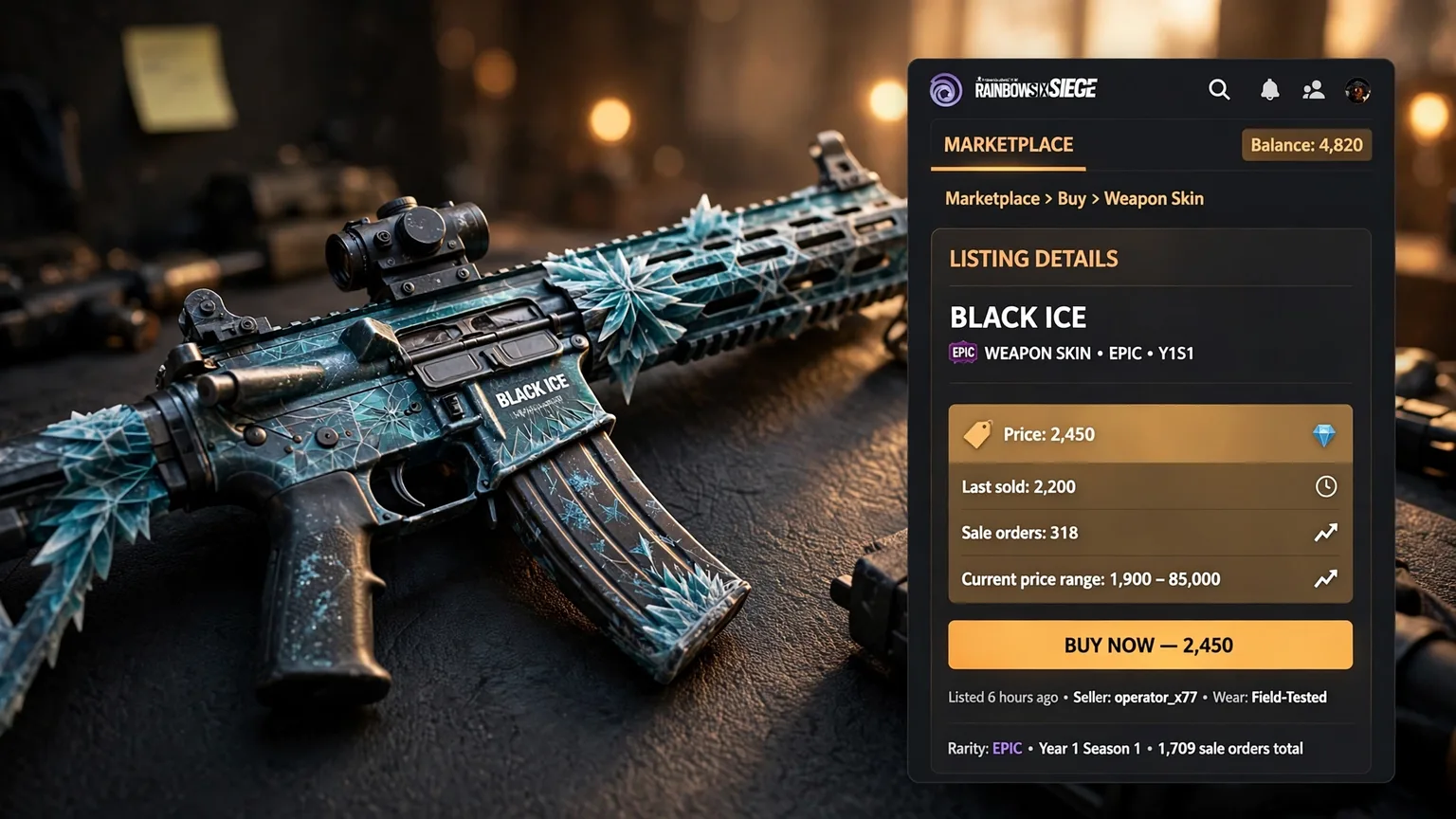
Open the item on the marketplace and study the order book. You will see the lowest price at which someone is currently selling, and the highest price at which someone is currently offering to buy. The gap between these two numbers tells you a lot. If the gap is small, the market is active and the fair price is clear. If the gap is large, the market is quiet, and you will need to think more carefully about where to place your listing. Our guide on R6 Order Book Explained shows you how to read these numbers step by step.
Price slightly below the lowest seller
A practical approach for your first listing is to price slightly below the lowest current seller, or exactly at the lowest seller price if you are patient. Pricing slightly below the lowest seller usually attracts the next buyer first, which means a faster sale. Pricing at the lowest seller price means you wait in line behind that seller, which can take longer but earns you a little more. There is no single right answer. It depends on whether you value speed or profit more for this particular sale.
| Pricing choice | Likely result | Trade-off |
|---|---|---|
| Price slightly below the lowest seller | Faster sale | Slightly less profit |
| Price at the lowest seller price | Slower sale | A little more profit |
| Price above the lowest seller | Sits unsold for days | No sale until the price drops |
Factor in the 10 percent fee
Remember to factor in the 10 percent fee when you calculate your profit. If you bought the item for a certain number of credits, or received it from a pack, think about what you will actually receive after the fee. A listing price that looks profitable before the fee can become a loss after the fee is taken out. Always do the simple maths first. Multiply your planned listing price by 0.9 to see your real payout, and compare that number with what the item is worth to you.
Creating the Listing Step by Step
Once you have chosen your item and decided on a price, creating the listing is straightforward.
- Open Rainbow Six Siege and go to the marketplace section. Find the item in your inventory that you want to sell, and select the option to sell it. The game will show you the current market information for that item, including the lowest sell price and the highest buy price, so you can confirm your planned price one more time.
- Enter your price carefully. Double check the number before you confirm, because a typing mistake can be expensive. Selling an item for 100 credits when you meant 1,000 credits is a mistake that cannot always be undone. Take a few seconds to read the price back to yourself before you press confirm. This small habit will save you from the most common and most painful beginner error.
- After you confirm, your listing becomes visible on the marketplace. Other players can now see it and buy it. You will usually receive a confirmation in the game, and the item will show as listed in your inventory. At this point your work is mostly done. The listing will stay active until someone buys it or you decide to cancel it. You do not need to stay online for the sale to happen. The marketplace works even while you are away from the game.
If you are new to the marketplace interface, our guide on How to Sell on R6 Marketplace walks through the full selling process with extra detail. It is worth reading before your first listing, because it covers the screens and buttons you will see, so nothing feels unfamiliar when you do it for real.
What Happens After You List
Once your listing is live, one of three things will happen.
- A buyer purchases it quickly.
- It sits for a while before selling.
- It does not sell at all.
All three outcomes are normal, and none of them means you did something wrong. The marketplace is driven by real demand, and demand changes from day to day.
If your item sells, the credits will arrive in your account after the fee is deducted. You will usually get a notification, and the item will disappear from your inventory. This is the moment your first listing becomes a completed sale. Take a note of how long it took and what price it sold at. That information is valuable for your next listing, because it tells you how the market responded to your price.
Common First Listing Mistakes
Pricing from memory instead of checking the live market
The most common mistake new sellers make is pricing from memory instead of checking the live market. You might remember that a skin was valuable months ago, but prices change constantly. A skin that was popular during a seasonal event might be much cheaper now that the event is over. Always check the current order book before you list, even if you think you know the price. The market today is the only market that matters.
Listing an item you actually want to keep
Another common mistake is listing an item you actually want to keep. This sounds obvious, but it happens often. Players list a skin on impulse, it sells quickly, and then they regret it. Before you list anything, ask yourself whether you would be happy if it sold within the next hour. If the answer is no, do not list it. Your inventory is yours, and there is no rush to sell something you enjoy using.
Ignoring the 10 percent fee
A third mistake is ignoring the fee. Some new sellers calculate their profit using the full listing price, then feel disappointed when the payout is 10 percent lower. Others set a price so low that after the fee, they barely earn anything. Always work out your real payout before you list. If the payout is too small to be worth it, consider keeping the item or waiting for a better market moment.
How Long Your First Sale Takes
No fixed time for a first sale
There is no fixed time for a first sale. It can happen in minutes, or it can take several days. The speed depends on the item, the price, and the current level of demand. A popular skin priced slightly below the lowest seller often sells very quickly, because buyers are always looking for the best deal. A rare item priced at the top of the market can take much longer, because only a small number of buyers are willing to pay that much.
What to do if your listing sits for days
If your listing has been active for several days without selling, treat it as information rather than a problem. Check the current lowest price for your item. If it has dropped below your listing price, you now know why your item has not sold. You can either lower your price to match the market, or keep waiting if you believe the price will recover. Both choices are reasonable. The key is to make the decision based on current market data, not on frustration or impatience.
What to Do If Your Listing Does Not Sell
An unsold listing is not a failure. It is feedback from the market. The most useful thing you can do is find out why it did not sell. The usual reasons are simple.
- Your price is too high compared with other sellers.
- The item has low demand at the moment.
- The market is flooded with the same item, which pushes prices down for everyone.
Check the lowest current sell price
Start by checking the lowest current sell price for your item. If it is well below your listing price, you have your answer. Lower your price to a competitive level and relist. If the lowest price is close to your price, the issue may be low demand. In that case, you can either wait for demand to return, or accept a lower price to move the item sooner. Your choice depends on whether you need the credits now or can afford to wait.
Check whether an event or update affected your item
You should also check whether a new event or update has affected your item. Sometimes a new skin release makes an older skin less popular, and prices fall. Sometimes an operator update makes a weapon more popular, and its skins become more valuable. Staying aware of game updates helps you understand why prices move. Our guide on R6 Skin Prices in 2027 explains how to value skins and read market changes.
Your First Sale Checklist
Before you create your first listing, run through this short checklist. It takes two minutes and prevents most beginner problems.
- Confirm that your account meets the marketplace requirements and that two factor authentication is turned on.
- Confirm that the item you want to sell is tradable.
- Check the current order book and note the lowest sell price and the highest buy price.
- Calculate your payout after the 10 percent fee.
- Decide whether you want a fast sale or the highest possible price, and set your price to match that goal.
Frequently Asked Questions
How do I create my first listing on R6 Marketplace?
Open the marketplace in Rainbow Six Siege, find a tradable item in your inventory, select the sell option, enter your price after checking the current order book, and confirm. Your listing becomes visible to other players immediately. Make sure two factor authentication is turned on and your account meets the requirements before you start.
What is the best item for a first listing?
A duplicate skin or a skin for a weapon you rarely use is the best choice. It should be an item you do not mind selling, with regular trading activity and a mid range value. Avoid listing your favourite skin first, because emotional attachment makes fair pricing harder and a quick sale can feel like a regret.
How much does the marketplace charge on a first sale?
The marketplace takes a 10 percent fee on every sale. If your item sells for 100 R6 Credits, you receive 90 credits. Always multiply your planned listing price by 0.9 to work out your real payout before you list, so the fee never surprises you.
Why is my first listing not selling?
The most common reasons are a price above the current lowest seller, low demand for the item, or many other sellers offering the same item. Check the order book, compare your price with the lowest seller, and lower it if needed. If demand is low, you can wait or accept a lower price to sell sooner.
Can I cancel my first listing?
Yes, you can usually cancel an active listing and create a new one with a different price. This is a normal part of trading. Check the current market before relisting, set a competitive price, and give the new listing a fair chance to sell before changing it again.
Conclusion
Your R6 Marketplace first listing is a simple process once you break it into clear steps. Check the requirements, pick an item you are happy to sell, study the order book, set a fair price after the fee, and create the listing carefully. If it sells quickly, you have learned that your pricing was right. If it takes time, you have learned something about the market. Either way, you are now a trader with real experience.
Start small, price fairly, and be patient. Your first listing is not about making a huge profit. It is about learning how the marketplace works so that every listing after it is smarter. Prices change daily, so check the live market before every sale, remember the 10 percent fee, and always verify prices on the official Ubisoft marketplace before you buy or sell. Good luck with your first listing, and may your next one be even easier.